You are not logged in.
- Topics: Active | Unanswered
#1 2026-03-12 14:56:47
- yorshex
- Member
- Registered: 2025-01-01
- Posts: 2
[SOLVED]can't load into the system: [FAILED] Failed to mount /sysboot.
Simply booted into the system today and it shows this: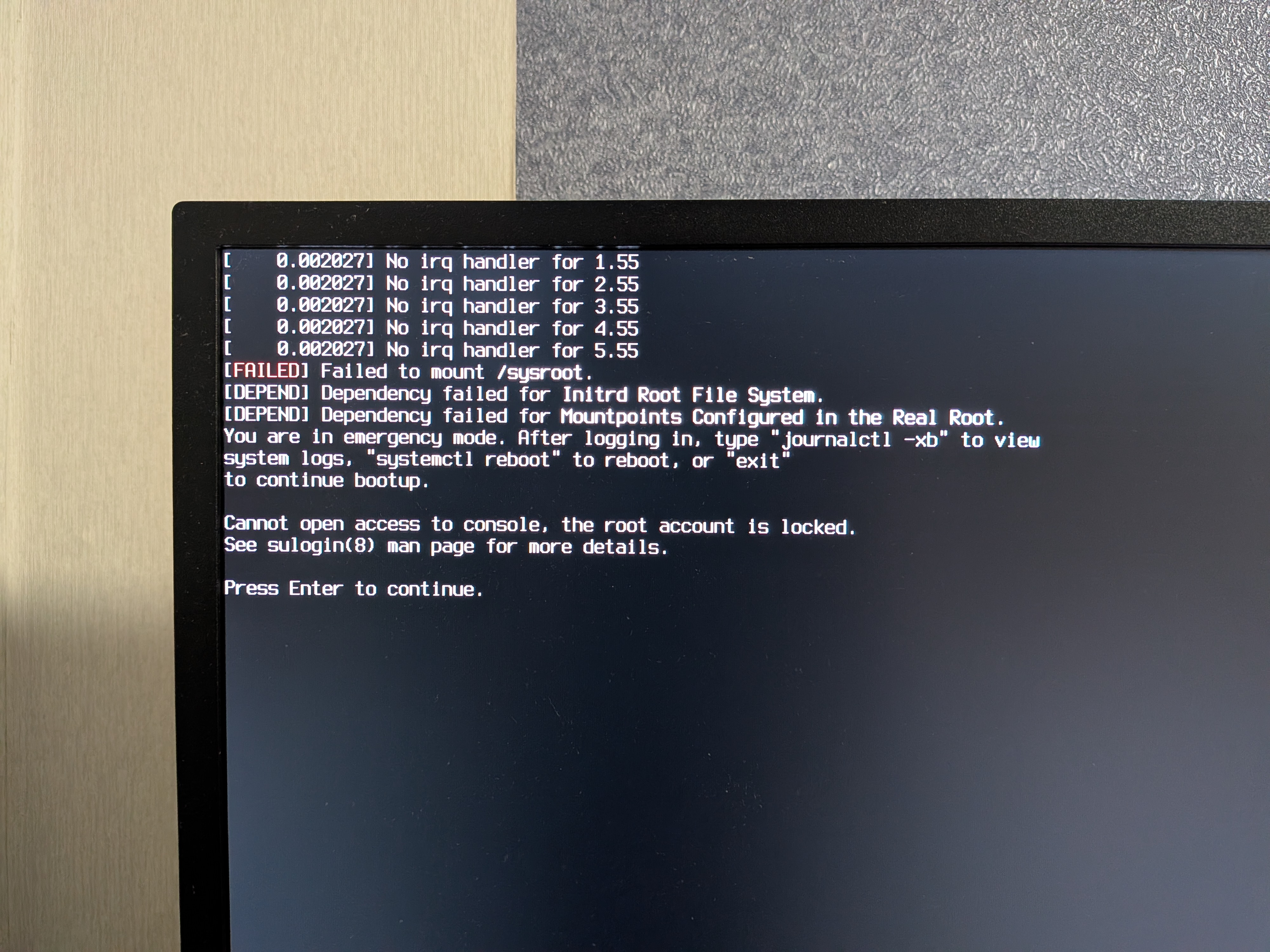
Rebooted without 'quiet' in kernel flags: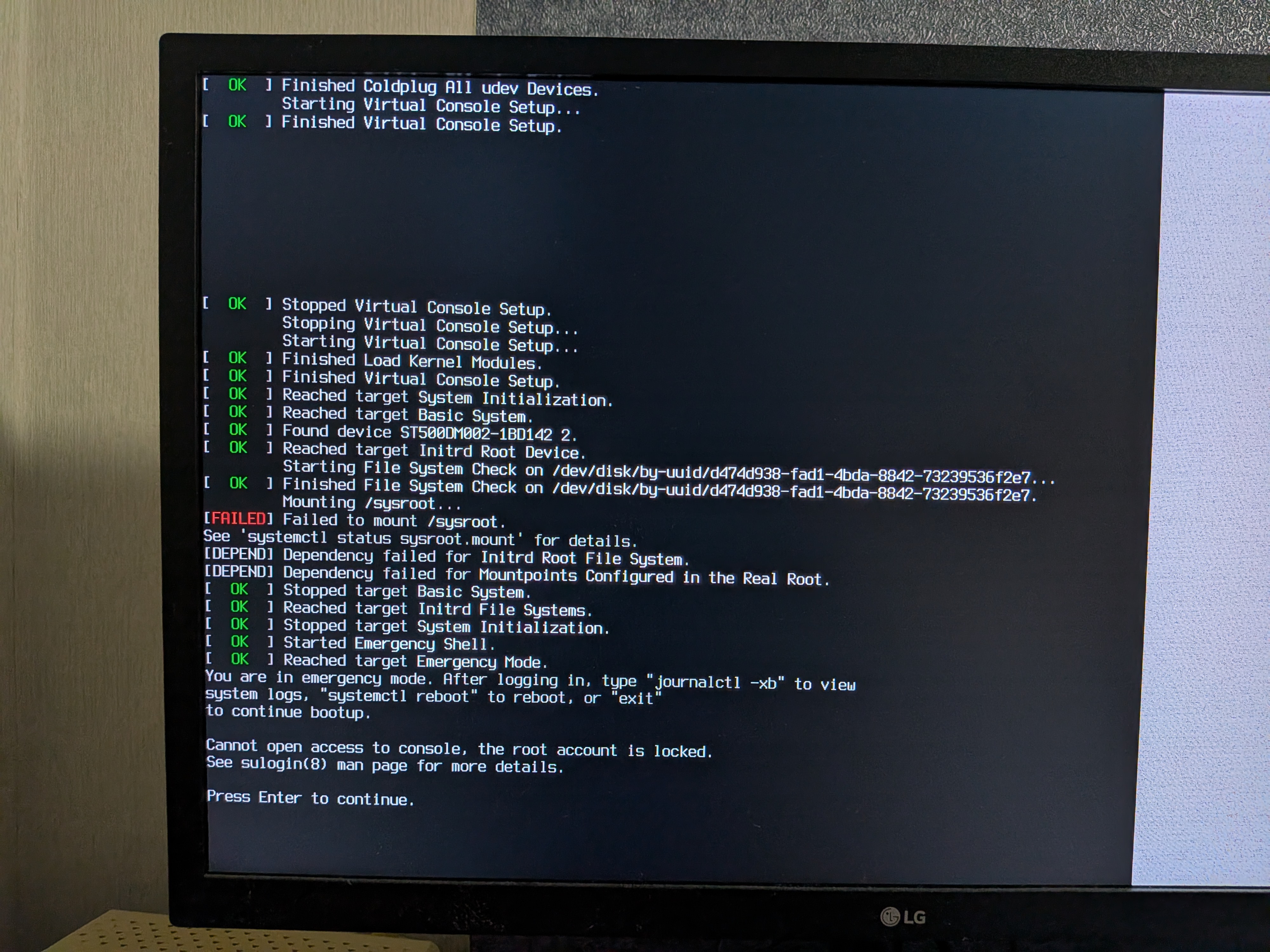
I tried to boot in the arch installation media and mount the system partition but it shows these errors: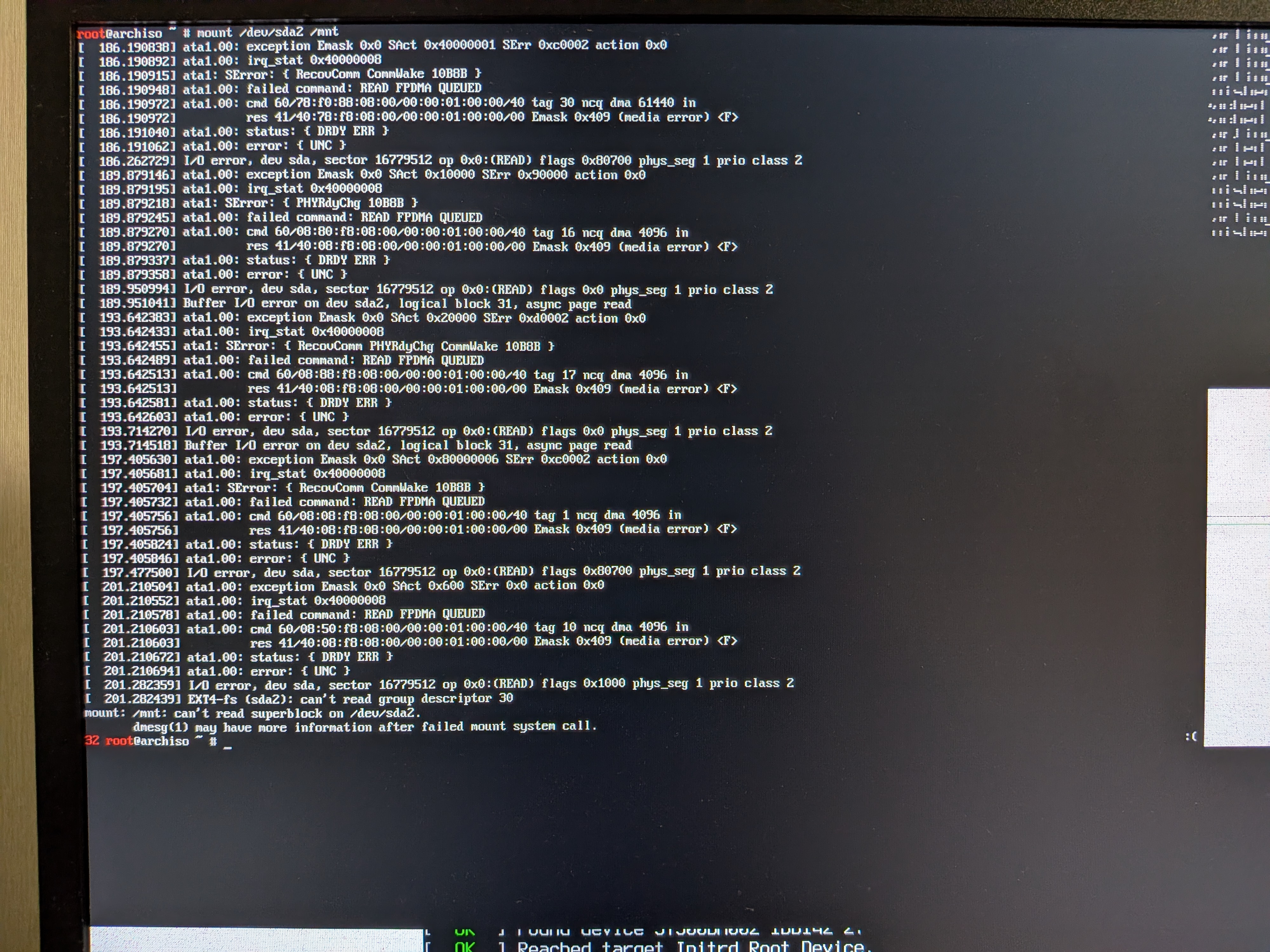
fsck shows the same errors as mount.
smartctl -a /dev/sda: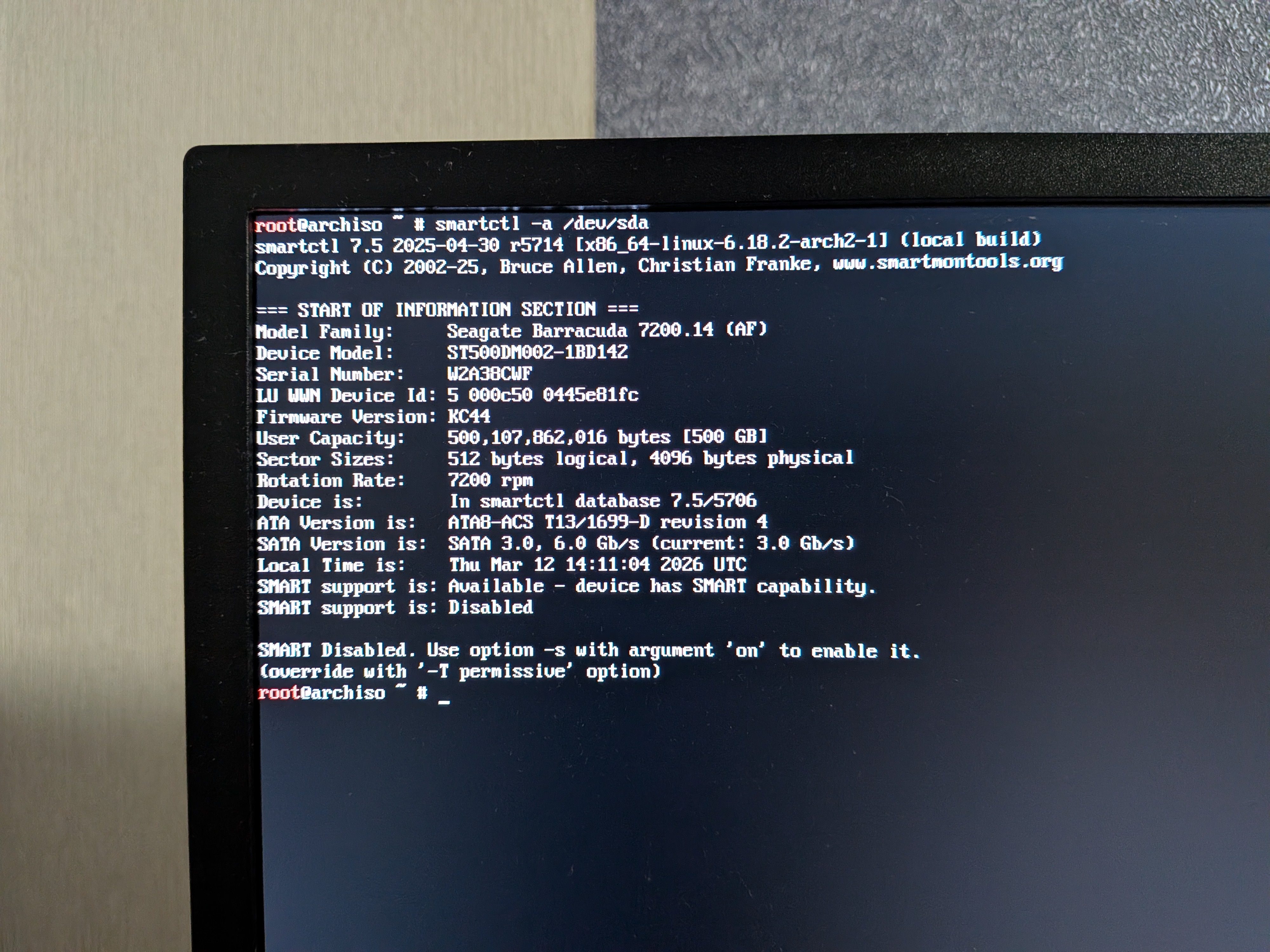
hdparm -I /dev/sda | less: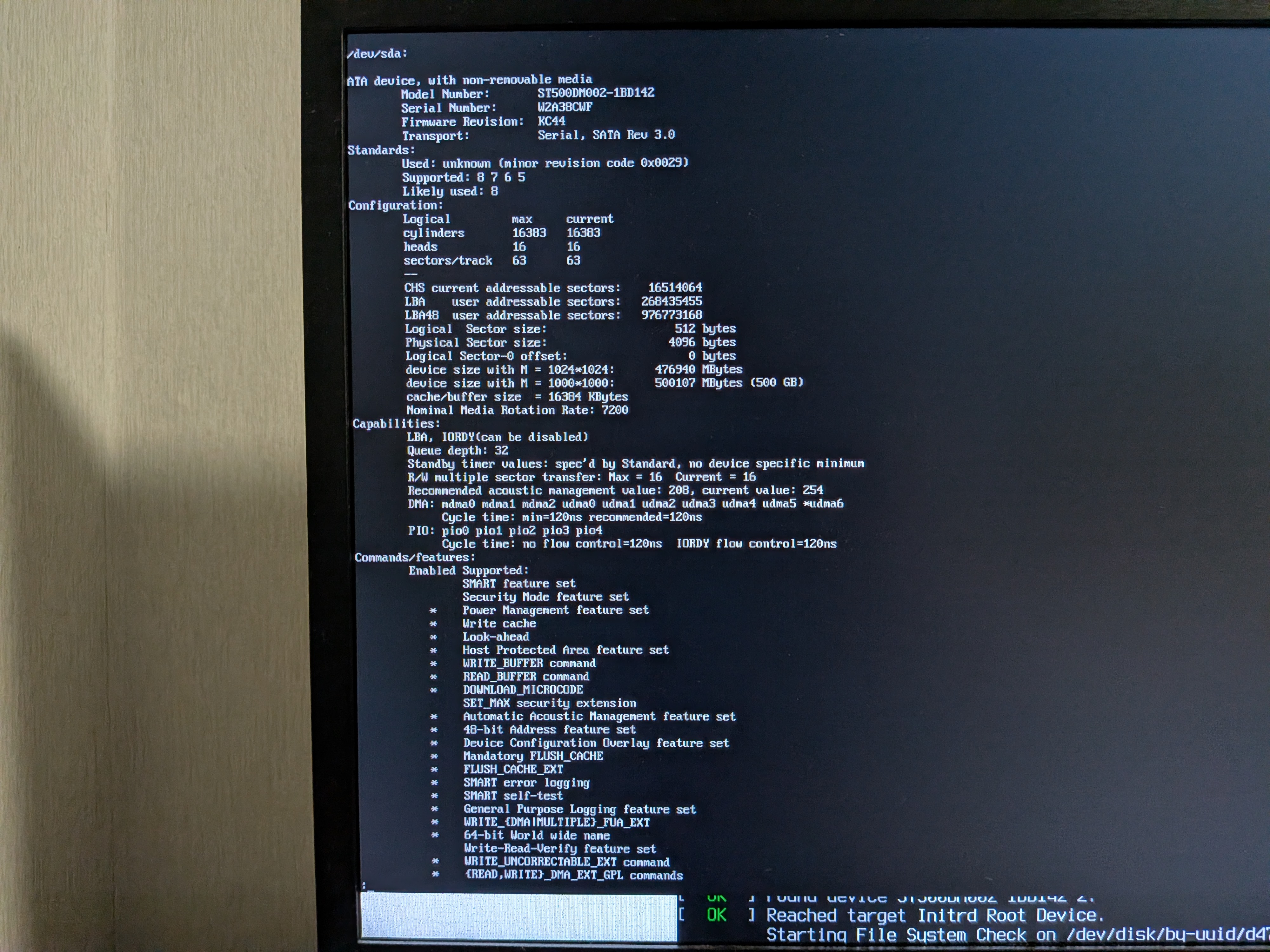
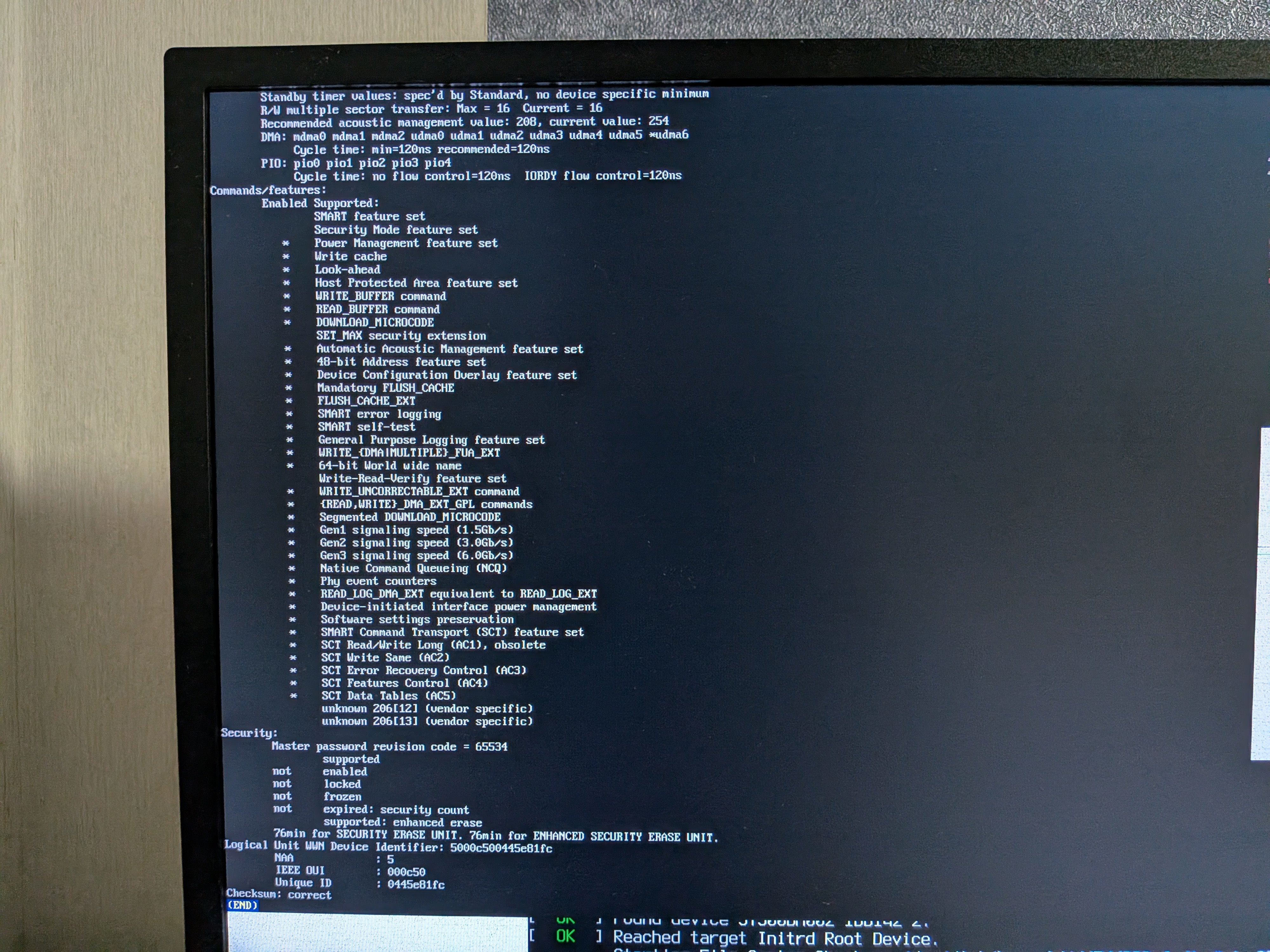
Sorry in advance for taking photos instead of providing actual logs, I really don't know what to do.
There is a similar topic that suggests that my disk is pretty much dead but the way it's broken for them is a little different so idk: https://bbs.archlinux.org/viewtopic.php?id=247969
Is my disk really dead?
Last edited by yorshex (2026-03-13 16:13:36)
Offline
#2 2026-03-12 15:29:14
- seth
- Member

- From: Won't reply 2 private help req
- Registered: 2012-09-03
- Posts: 74,694
Re: [SOLVED]can't load into the system: [FAILED] Failed to mount /sysboot.
Is my disk really dead?
Possibly - probably. The smart data would be kind helpful, why is SMART deactivated?
To rule out a kernel regression (though the iso already runs the older 6.18.2), test https://grml.org/
Offline