You are not logged in.
- Topics: Active | Unanswered
Pages: 1
#1 2026-04-11 01:19:16
- MadBob
- Member
- Registered: 2026-04-10
- Posts: 2
random second mouse cursor
Hello,
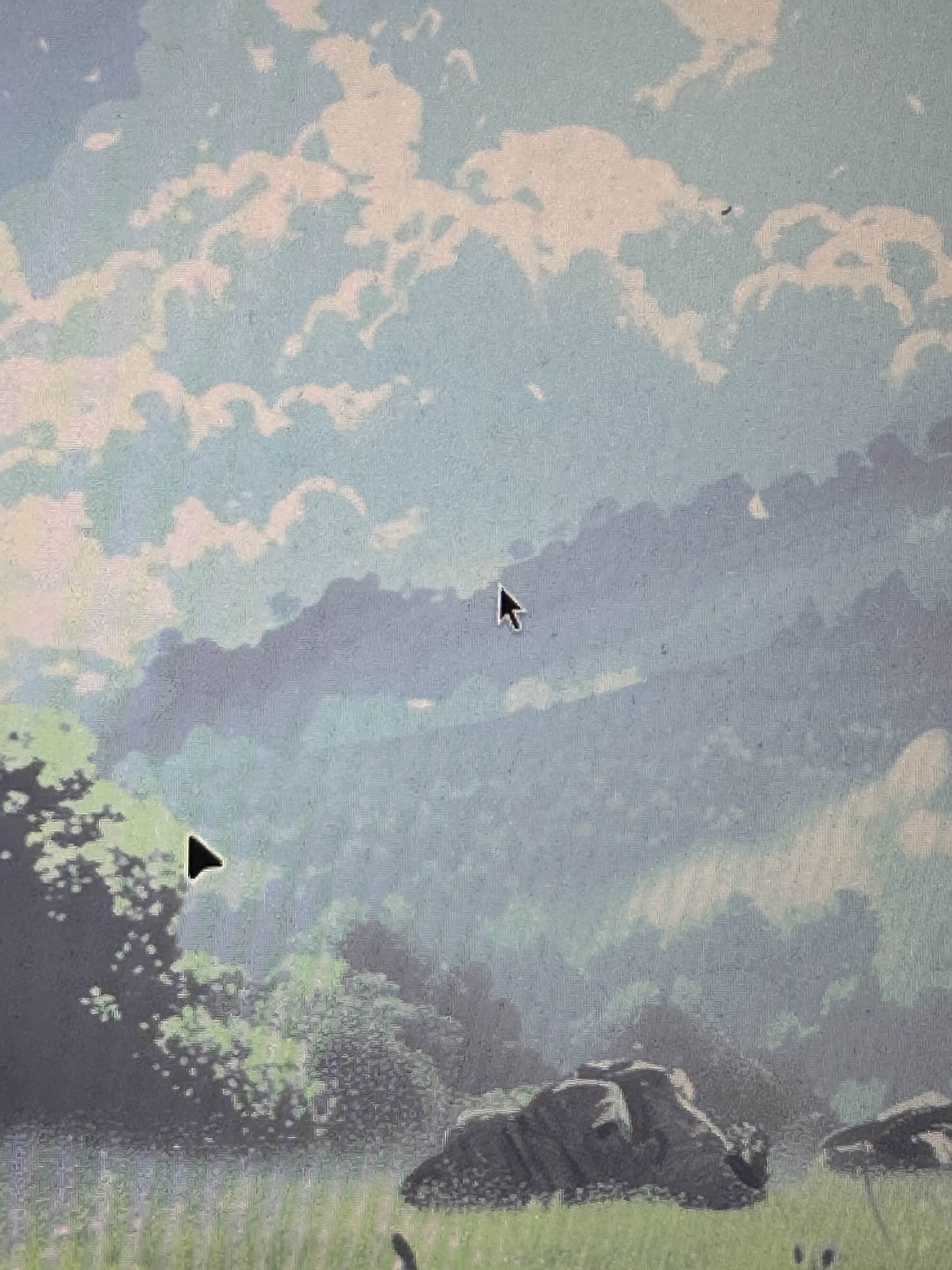
I have this random seconds mouse cursor which dosent move and just sits at the center of my main monitor when ever i restart its still there. Any ideas on how to remove it?
Thankyou,
link to image idk how to post pics sorry lol
Offline
#2 2026-04-11 06:58:10
- seth
- Member

- From: Won't reply 2 private help req
- Registered: 2012-09-03
- Posts: 75,855
Re: random second mouse cursor
By linking them, but a photo of a fragment of your monitor showing two mouse cursors won't help here at all.
sits at the center of my main monitor when ever i restart its still there
Are you sure it's a genuine cursor and not just eg. an artifact in the wallpaper (drawn from a screenshot or so)?
What kind of session is this (DE/WM/X11/wayland)?
Are there virtual machines involved?
For X11
xinput list- for wayland we'll have to know the exact compositor, but
libinput list-devicesmight get us ahead.
Offline
#3 2026-04-11 18:05:08
- MadBob
- Member
- Registered: 2026-04-10
- Posts: 2
Re: random second mouse cursor
No its genuine and i figured out where it came from. Essentially when im in the log in menu im using that cursor to click on my profile and things. So when i log into my account it stops using that cursor and gives me another cursor and that cursor get stuck in place where i last used it.
Ik its real because if i have an application open it still visible above it.
Also i ran the two commands you gave and nothing happend. I dont have any virtual machines installed into my system ATM since i just got arch yesterday.
Heres a little youtube video show casing how it happens
Offline
#4 2026-04-11 18:43:30
- seth
- Member
- From: Won't reply 2 private help req
- Registered: 2012-09-03
- Posts: 75,855
Re: random second mouse cursor
Essentially when im in the log in menu im using that cursor to click on my profile and things.
loginctl session-statusOffline
Pages: 1